
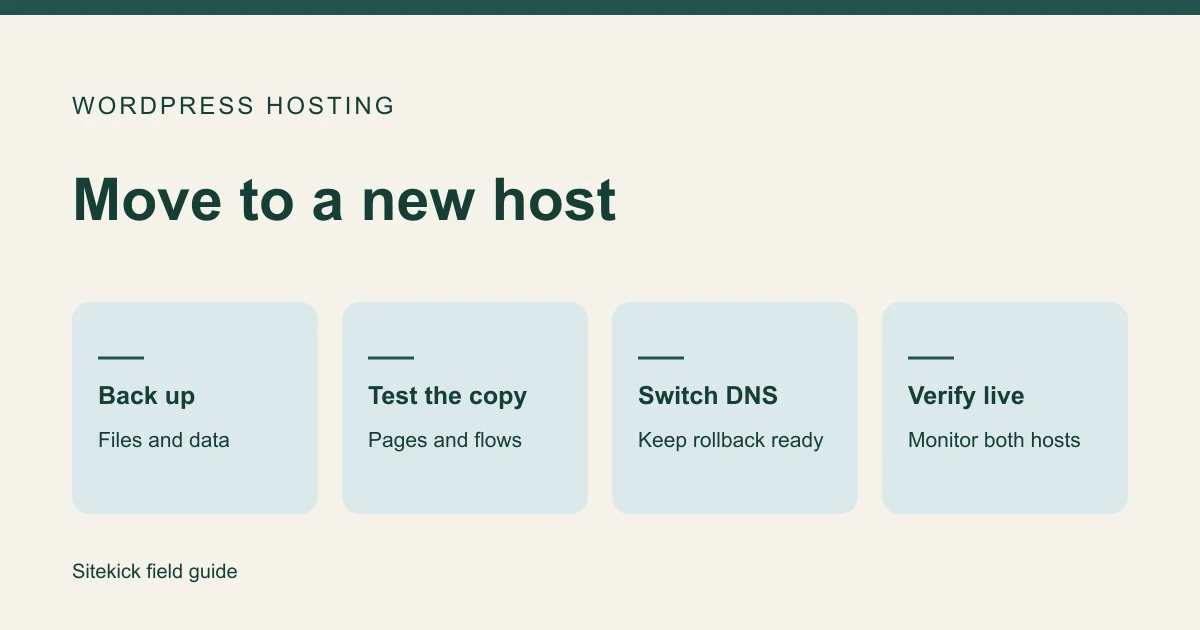
When you move a WordPress site to a new host but keep the same domain, the goal is to change where it runs while keeping customer-facing URLs and workflows intact. Copy and test the site first. Change live DNS after the new copy is ready, and keep the old host available until you have evidence the move worked.
Try this next
Make a plan before moving your website.
Assess a public website or explore a rebuild. SiteKick Rescue does not directly import non-WordPress platforms. Export and preserve your source content before making changes.
Before you move
- Identify who controls the domain, DNS, old hosting, new hosting and backups. If your former agency owns an account, settle access or obtain an authorized export while you can.
- Inventory the pages, plugins, theme, integrations, redirects, scheduled work and media your site depends on.
- Back up the files and database. Confirm the backup can be restored to a test environment and keep access to the source host in case you need to reverse the move.
- Record the website and email settings before changing nameservers or DNS. Use the website and business email migration guide if mail is tied to the old host.
If you also change the domain or page addresses, map important old URLs to their new locations. Keeping the public URLs stable makes a host-only move easier to verify.
Test a copy on the new host
| Check | What a pass looks like |
|---|---|
| Pages and content | Representative pages, posts and images load. Navigation and old redirects reach the intended pages. |
| Accounts and admin | An authorized administrator can sign in, edit and publish as expected. |
| Leads and bookings | A labeled test inquiry reaches the correct inbox. A booking test reaches the intended confirmation or calendar. |
| Orders | The approved checkout test works, product data is correct, and the team can reconcile orders created around cutover. |
| HTTPS and indexing | The planned live host has a valid certificate and serves the expected canonical URLs. The private test copy stays out of search. |
If you change PHP versions, themes or critical plugins at the same time, test those compatibility changes explicitly. When possible, separate them from the hosting cutover so you can identify the cause of an unexpected result.
Agree on a cutover and rollback plan
A brochure site may need only a brief editing pause. A WooCommerce shop may take orders throughout the copy. Decide who will handle activity created between the initial transfer and the live switch. Options depend on the site and can include a short agreed maintenance window or a final controlled sync.
Record who can change DNS, which settings can be restored, and who will decide to roll back. DNS changes can take time to reach everyone. Keep both hosting accounts available during the transition and agree which copy accepts edits or orders.
Verify the live site before ending the old plan
After the change, open the public domain over HTTPS from more than one connection. Check important URLs, media, redirects, admin sign-in, forms, and relevant store or booking behavior. Confirm the live site is indexable. If you use Search Console, inspect a few important URLs after the DNS change.
Monitor both hosts and customer reports until you can account for traffic reaching the old copy. Keep the backup and recovery instructions even after the old hosting plan ends.
If you want someone to manage the move
Bring the host names, site address, access availability, deadline, and list of workflows you cannot afford to lose. Ask Sitekick about WordPress migration to scope the move and see whether Sitekick CMS hosting fits your existing site.