
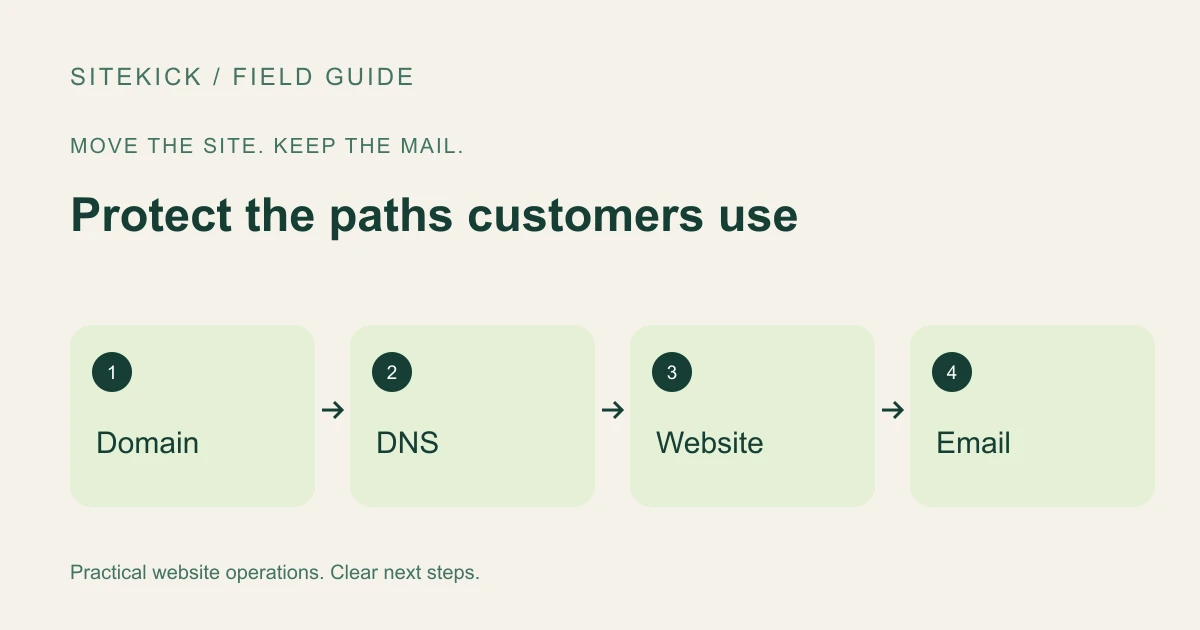
A website move should not become an email outage. Your domain, website hosting and mailbox service may be managed by different providers, even when one company originally sold them together. Before changing anything, identify which service does which job.
This is a preparation checklist for the person managing your move. It is not a recommendation to change unfamiliar DNS records without checking the instructions for your actual providers.
Try this next
See a starting point for your website.
Try a free browser preview, then decide whether to continue with SiteKick CMS. No account is needed for the preview.
Make an ownership map
Record where the domain is registered, where its DNS is managed, who hosts the website and who provides email. Add the account owner and recovery contact for each service. Do not put passwords or recovery codes into a shared migration document.
Next, export or securely record the existing DNS configuration. Website records and email records serve different purposes. A change to the website destination should not casually replace the entire zone. Ask the migration owner exactly which records need to change and which must remain.
If someone proposes changing nameservers, treat that as a separate decision. Confirm that the replacement DNS service contains the required records before moving authority to it. Avoid assuming that changing nameservers automatically transfers every existing setting.
Inventory the email paths people actually use
List ordinary mailboxes, aliases, shared inboxes and forwarding rules. Include addresses used by contact forms, invoices, account recovery and booking notifications. A mailbox that receives no personal correspondence may still be essential to the business.
Ask the email administrator to confirm the provider's required mail-routing and authentication records. Preserve those records unless the email service itself is deliberately changing. Use the provider's documented values rather than copying a generic example from an unrelated business.
Check whether the old hosting package includes any mailbox or forwarding service. Canceling it immediately after the homepage moves could remove something you still need.
Plan a small, reversible cutover
Choose a period when someone can verify the result and respond to problems. Keep the old configuration and the new destination documented. Agree on who can restore the previous settings and what evidence would justify doing so.
Prepare a test list before the change: open the website, send mail to a business mailbox from an outside account, reply to it and submit a website inquiry. Check delivery in the receiving inbox rather than relying only on a success notice.
Some issues emerge after the first check. Keep an eye on genuine inquiries and delivery failures while the change settles. Do not promise that a DNS change will be immediate everywhere or that a single test proves every mailbox works.
Keep the website project and email project distinct
Sitekick CMS provides a WordPress-based website workflow with AI-assisted creation and visual editing. That can help with rebuilding the customer-facing site, but a website subscription should not be assumed to move an unrelated email account automatically.
Before selecting a destination, ask about domain connection requirements and the services you need to retain. Explore Sitekick CMS and bring your ownership map to the migration conversation. A clear inventory is less exciting than a new homepage, but it protects the communication customers already depend on.