
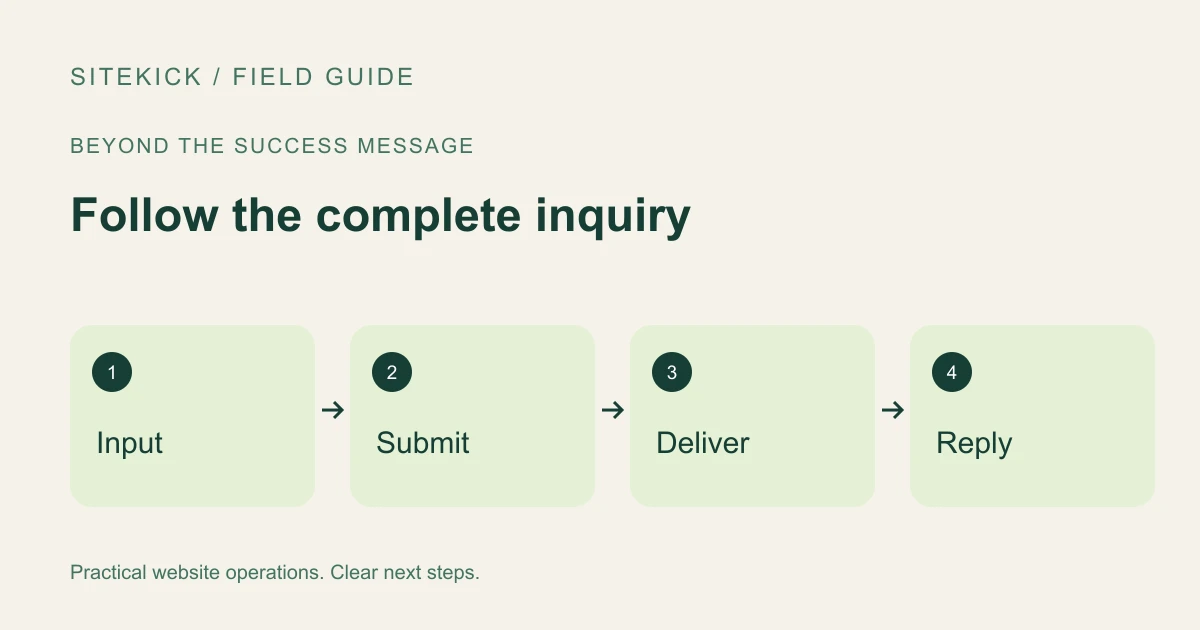
A contact form can display a reassuring confirmation while the inquiry never reaches the person who should answer it. Before calling a form ready, test the complete handoff: visitor input, submission, delivery and response.
The procedure below is a practical acceptance test. It does not assume that your WordPress form plugin stores messages, sends through a particular provider or includes a customer relationship management system.
Try this next
Understand your WordPress site's next steps.
Explore SiteKick Rescue and the free public assessment. Plugin downloads remain unavailable until the release is verified.
Describe the expected result first
Write down which page contains the form, the fields it requires, the destination inbox and the confirmation the visitor should see. Identify who monitors the inbox. If a confirmation email is promised, include that in the test; if it is not part of the workflow, do not invent an expectation for it.
Use a clearly labeled test name and a unique subject or message marker. Avoid real customer details. Tell the inbox owner to expect the test so it is not mistaken for a sales lead.
Test validation before delivery
Submit the empty form. Check whether required fields are identified clearly and whether keyboard focus helps the visitor find the problem. Enter an invalid email address and confirm the form explains what needs correction.
Try the page on a narrow screen. Make sure labels remain visible, the keyboard does not hide the submit control and an error does not erase a carefully written message unnecessarily. These checks expose usability problems that a desktop screenshot misses.
Now submit valid test information once. Record the time and the response. If the request appears to stall, inspect the result before repeatedly clicking: uncertainty about a response is not proof that the submission failed.
Follow the inquiry into the business
Look in the intended inbox, including spam or quarantine where appropriate. If the form has a documented submission log, check that too. A stored entry and a delivered email are separate pieces of evidence.
Inspect the sender and reply behavior. Does replying reach the test sender or accidentally address a no-reply mailbox? Check whether the content includes the information someone needs to respond without hunting through another system.
If delivery is missing, gather the submission time, page URL and any non-sensitive error reference. Give that evidence to the person responsible for the form and mail configuration. Do not paste credentials or complete customer messages into a public support thread.
Review the promise on the page
A message such as "We will reply within one business day" creates an operational expectation. Use it only if someone can actually meet it. A simple confirmation that the inquiry was received may be more honest than a precise promise the team cannot maintain.
Repeat the test after changing the form, destination address, email service or relevant plugin settings. Record the result so the next person knows what was checked.
Sitekick CMS combines WordPress content tools, visual editing and AI-assisted website work. Use that editing workflow to make your contact page clear, then verify its actual delivery behavior. Explore Sitekick CMS or learn about conversational WordPress management. A useful website connects its polished front end to a dependable response process.