
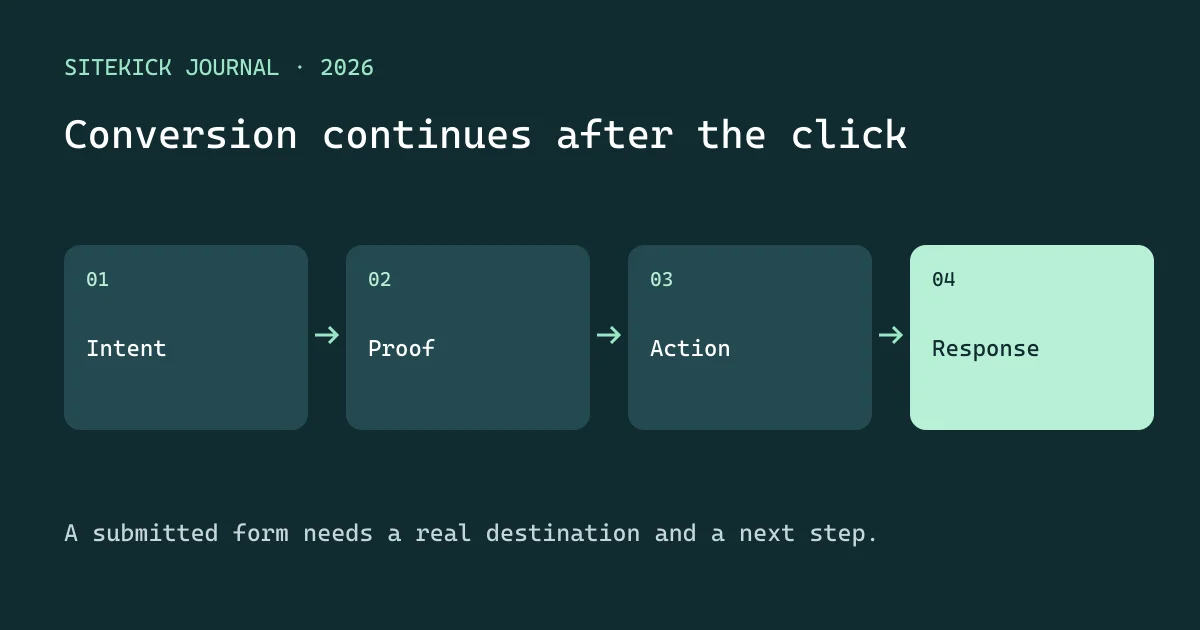
A landing page converts when the right visitor understands the offer, believes the evidence and can complete the next step. That next step needs to work after the browser announces success. A form submission that disappears into a disconnected inbox is a failure in the conversion journey.
Match the promise that brought the visitor
Write down the source, audience and offer before designing the page. An ad for emergency repair should lead to availability and contact information, not a general company history. A newsletter about a workshop should lead to that workshop's audience, date and registration terms.
Use a headline that names the outcome and context. For an illustrative bookkeeping service, “Get a clear monthly reporting process for your growing shop” gives more information than “Unlock your financial potential.” A supporting sentence can explain the deliverable and next action. Keep claims specific enough to verify.
Put proof beside the decision
Show evidence relevant to the offer: a sample deliverable, a clear process, approved testimonials or verified credentials. Do not generate fake reviews, numerical results or client logos. Explain what the visitor receives, what is excluded and what happens after clicking.
Place the primary call to action where a visitor has enough context to choose. Repeating the same action after the evidence can help a longer page. Several competing actions at the top can create uncertainty. Secondary links should answer legitimate objections without turning the page into an unrelated navigation maze.
Make forms usable and proportionate
Ask only what is needed for the next step. If an inquiry requires a project type but not a full budget breakdown, defer the latter. Use visible labels, appropriate input types and errors that identify the field and remedy. Preserve entered information after an error. Test keyboard use and a small mobile screen.
Check layout stability, image weight and page responsiveness on a realistic connection. A beautiful hero should not push the offer and action behind several screens of decoration. Keep text readable and controls large enough to use without precision tapping.
Design the post-submission experience
| Customer sees | System must do | Owner checks |
|---|---|---|
| Confirmation | Store the inquiry and its identifier | Record exists |
| Expected response window | Notify the responsible person | Ownership and deadline |
| Booking link, where appropriate | Use actual availability | Time zone and confirmation |
| Fallback contact | Reach a staffed route | Failures do not strand the customer |
Do not promise an instant callback unless staffing supports it. Keep responding to an inquiry separate from enrolling someone in promotional email. Avoid firing analytics events with private form contents; an event can identify the completed action without transmitting the message.
Measure the full conversion chain
Define the numerator before reporting a rate. Submitted forms, qualified inquiries, attended calls and sales are different outcomes. Segment by offer and source. Investigate whether a drop occurs before the form, during submission or after receipt. The fix depends on where people are lost.
AI can draft alternative headlines or summarize recurring objections. Review factual claims and change one meaningful variable at a time. Avoid declaring a winner from a handful of visits. Decide in advance what outcome matters and how long you can reasonably observe it. Low-volume businesses can learn from customer conversations and usability checks while collecting data.
Sitekick's CMS and Studio have different availability and operating models. Verify the submission path in the product you actually use. Continue with optimization after generation for experiment design, or lead-generation workflows for qualification and routing.