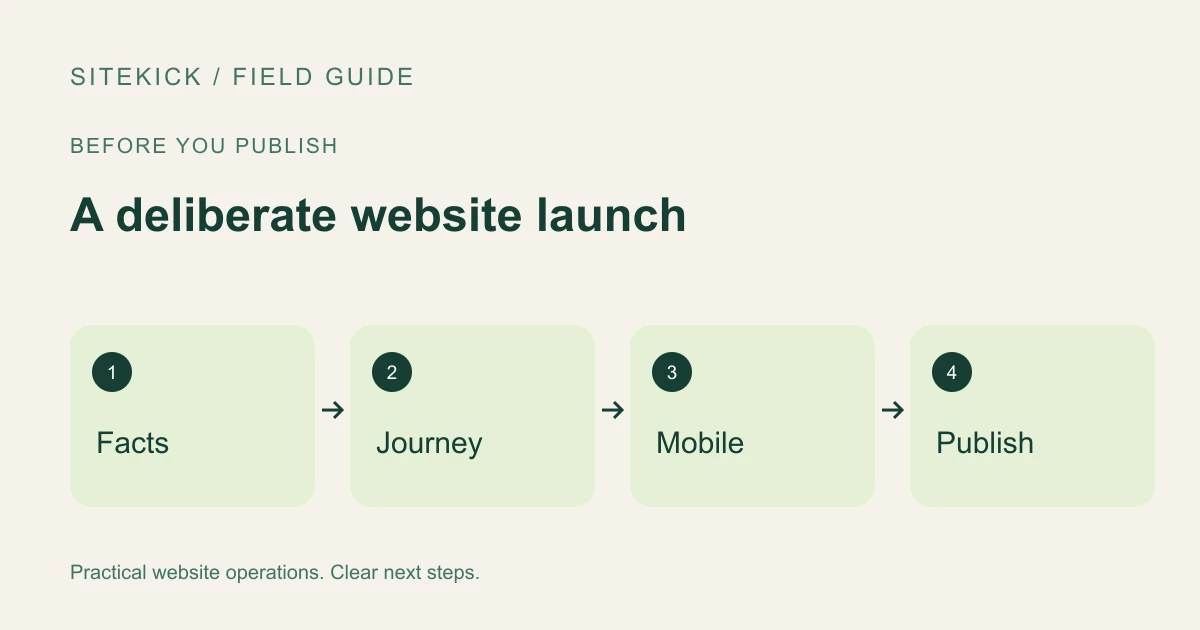
An AI-generated website gives you something concrete to work with. Before sharing it with customers, walk through it as someone who has never heard of your business. Can that person tell what you offer, whether you serve them, and what happens after they contact you?
Use this checklist to turn a first draft into a deliberate launch. It is a recommended review workflow, not a claim that every website builder performs these checks automatically.
Try this next
Understand your WordPress site's next steps.
Explore SiteKick Rescue and the free public assessment. Plugin downloads remain unavailable until the release is verified.
Start with the facts that customers act on
Check your business name, service area, hours, email address and phone number against your own records. Read every service description. Remove services you do not provide, invented credentials and unsupported guarantees. If a draft includes customer quotes, replace them with real testimonials you have permission to use or remove the section.
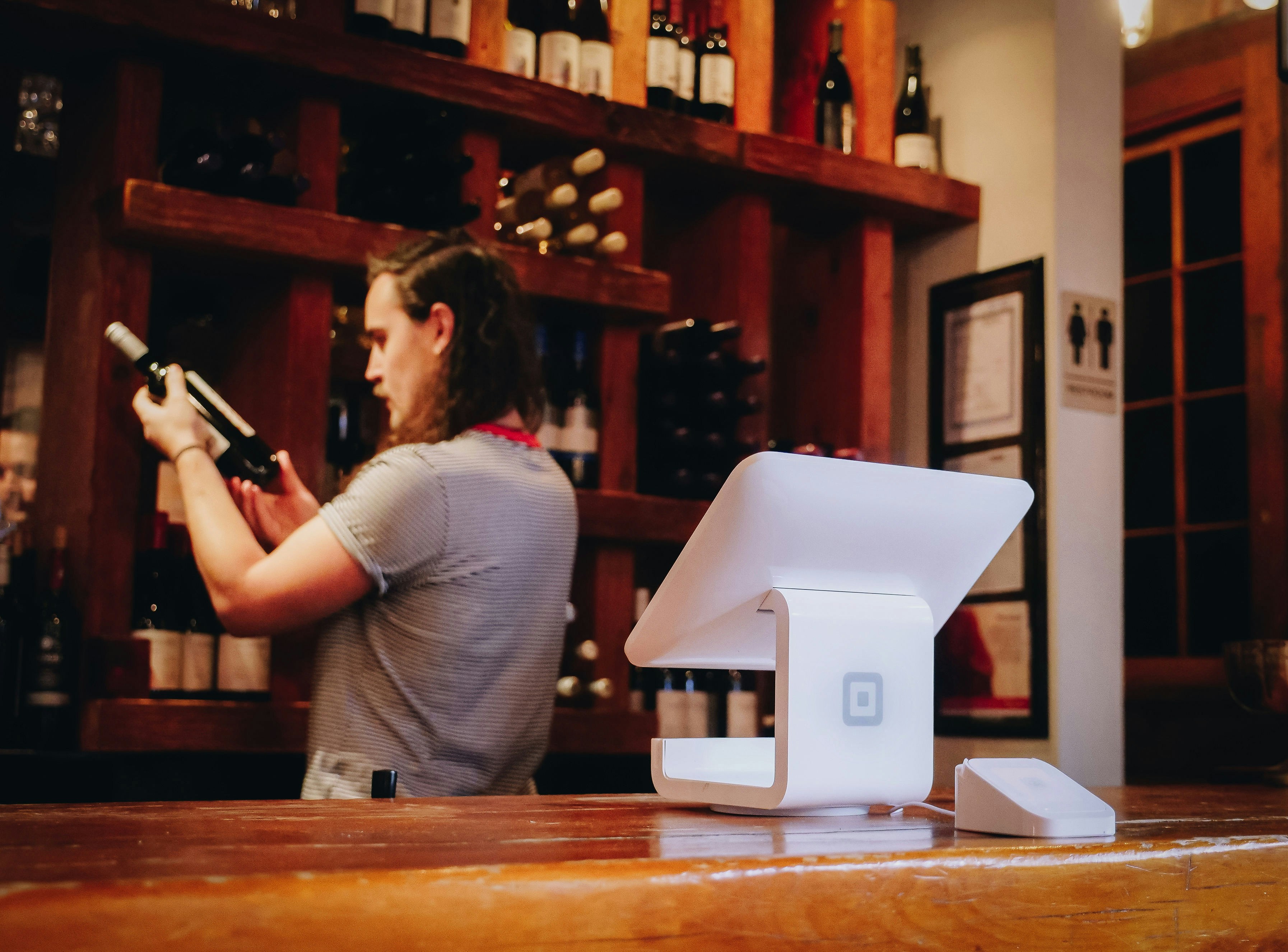
Review photographs as carefully as copy. A stock or generated image may be useful illustration, but it should not suggest that a pictured person is your employee or that a pictured building is your location when it is not. Use your own work where you can and describe illustrative images honestly.
Give each page one clear job
Your homepage should help someone choose a next step. A service page should explain the service, who it is for and how to inquire. A contact page should make contacting you straightforward. Avoid making every button compete for attention.
Read the main heading and first paragraph together. If they could describe almost any company, add the concrete information a customer needs. For example, a hypothetical local repair business could explain which appliances it services and which area it covers. Do not fill that space with an unverified claim to be the best.
Test the whole inquiry
Tap your phone link on a phone. Open your booking link. Submit one clearly labeled test inquiry and check that it reaches the intended inbox. Confirm the visitor sees a useful success message. Then try an incomplete form and make sure the error helps them fix it.
A working button is only the start. If your form promises a reply, decide who checks the inbox and what happens when that person is unavailable. Keep test messages separate from real leads.
Check a small screen and a keyboard
Open the draft on a narrow screen. Look for clipped headings, awkward image crops, horizontal scrolling and buttons hidden behind navigation. Zoom in and make sure content still works. Use the Tab key to move through links and form controls, checking that you can see which item has focus.
Include meaningful alternative text for informative images, use actual headings to organize the page and give form inputs visible labels. These are useful checks, not a complete accessibility audit.
Make discovery deliberate
Use a descriptive page title and an accurate description. Link related service pages from your navigation or relevant copy. Once the site is public, check its important URLs in Search Console if you have access. Google explains that discovery and indexing take time and are not guaranteed.
Save the launch checklist with the date and the person who checked each item. Repeat the customer journey after a material change, not just on launch day.
Explore Sitekick CMS if you want an AI-assisted starting point with WordPress editing. Review the available workflow and plan before choosing it for your business.